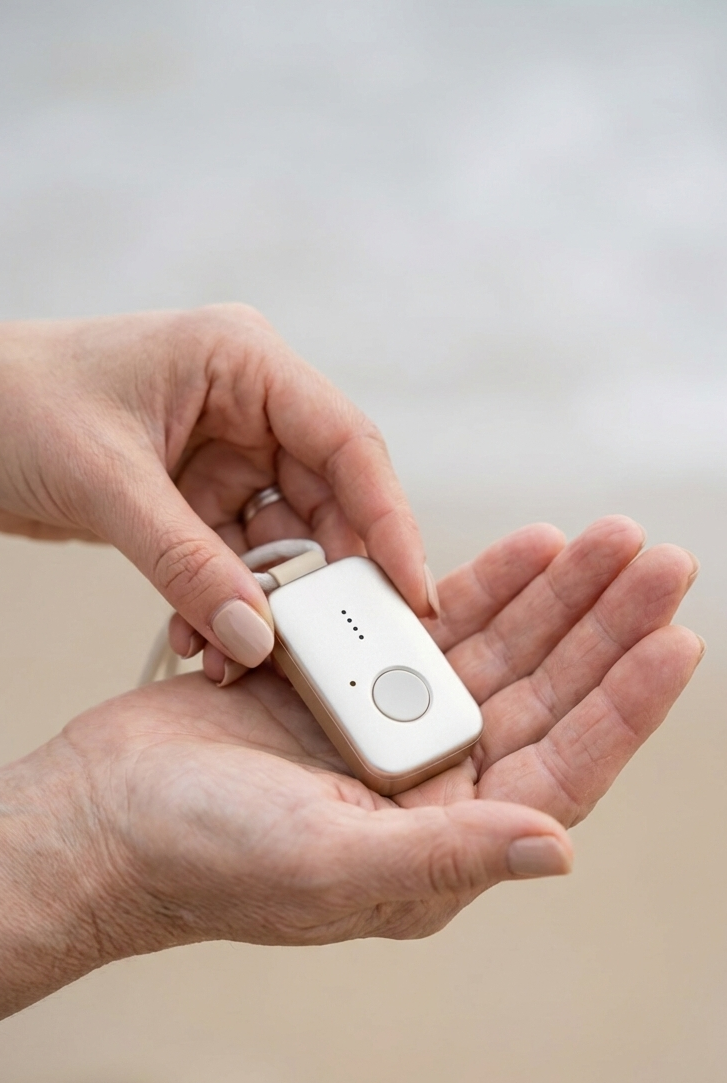
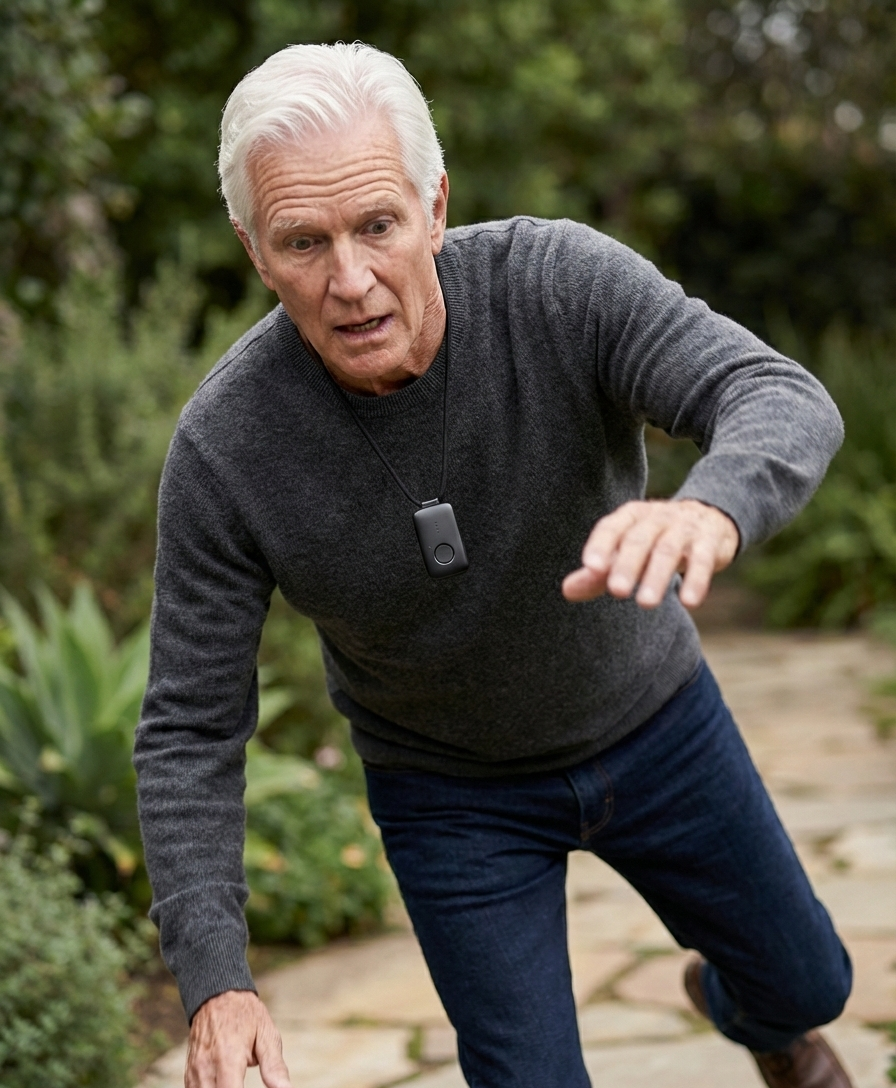



⌖ Real-time location
View the device user’s location when location services are available.
FALL SPECIAL: YOUR DEVICE IS ON US

Stay connected, informed, and reassured with a helpful view of available information from a compatible medical alert device.
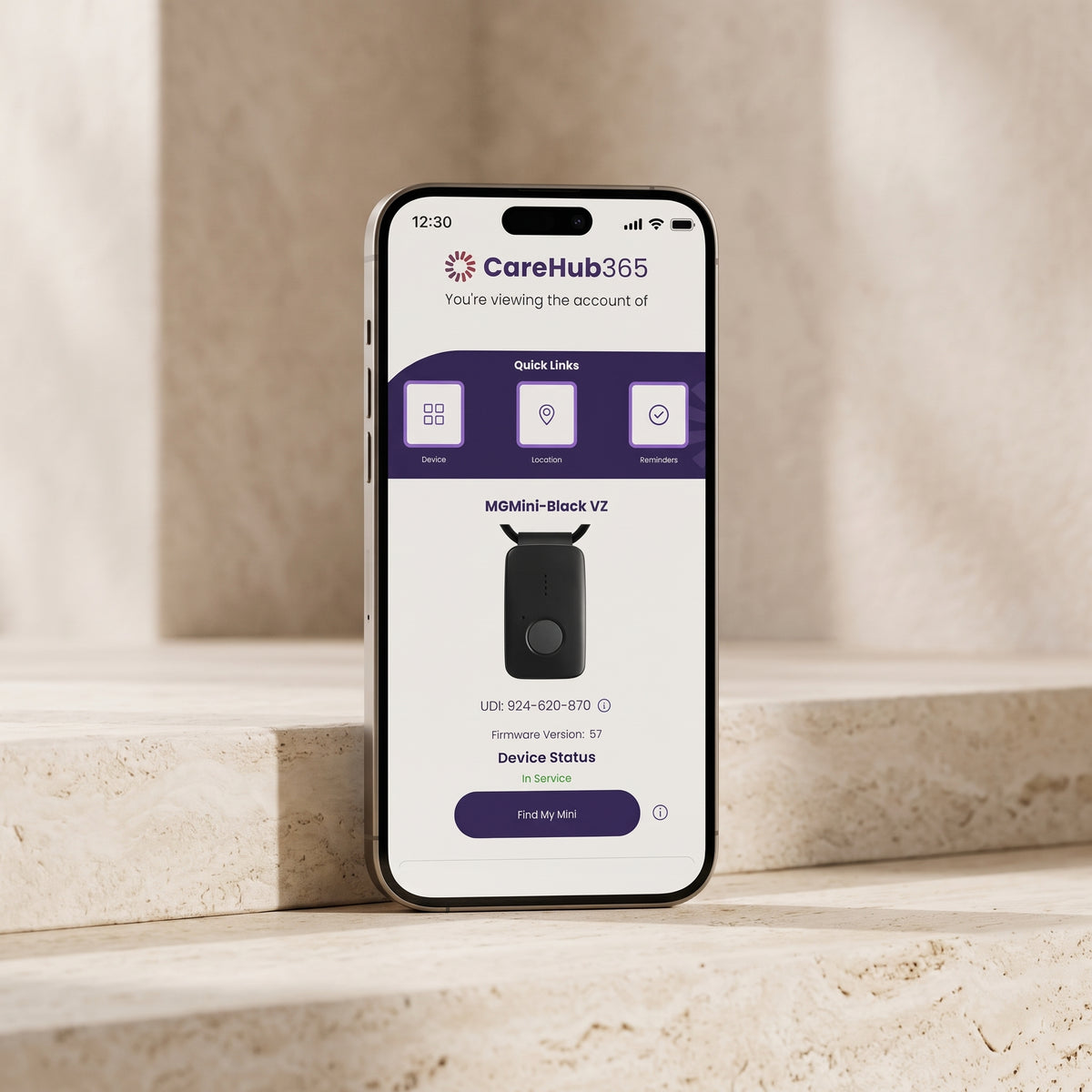
CareHub365 is a mobile app that works alongside compatible medical alert devices. Depending on the device, app settings, and available services, authorized loved ones can view helpful information such as location, battery status, and activity details. Features and availability may vary.

See the information available for your loved one’s compatible device, with clear and approachable tools for family members.
View the device user’s location when location services are available.
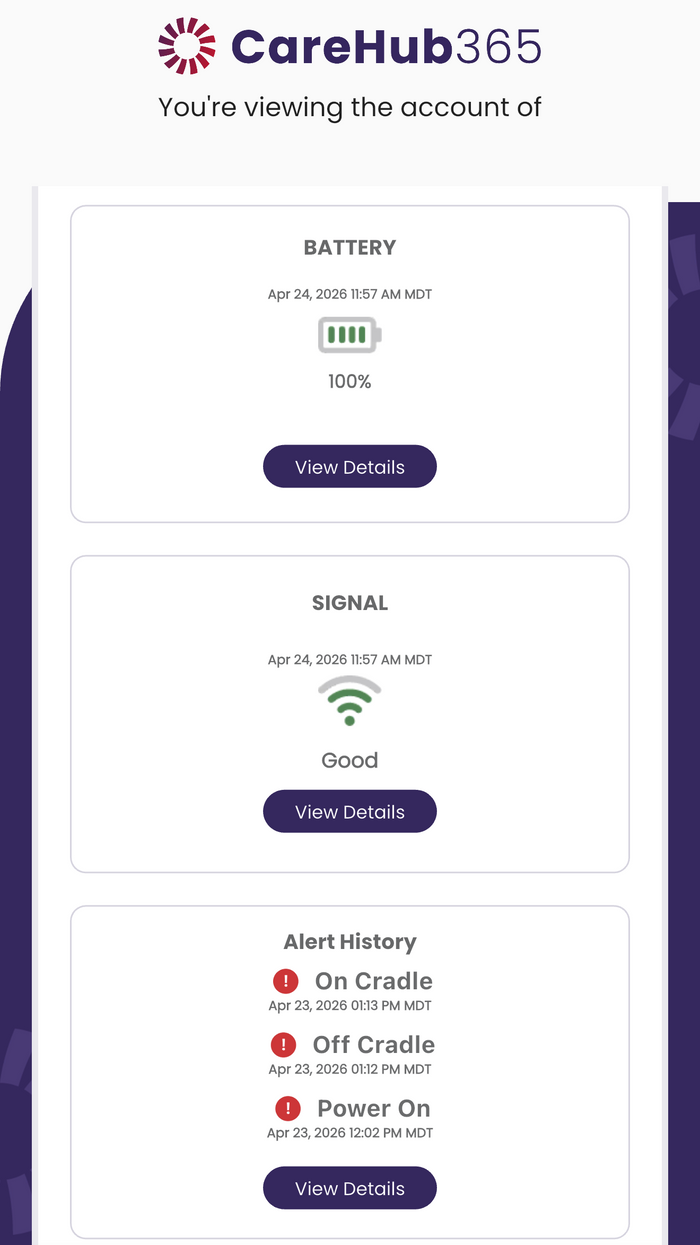
Check available battery level and charging status for added awareness.
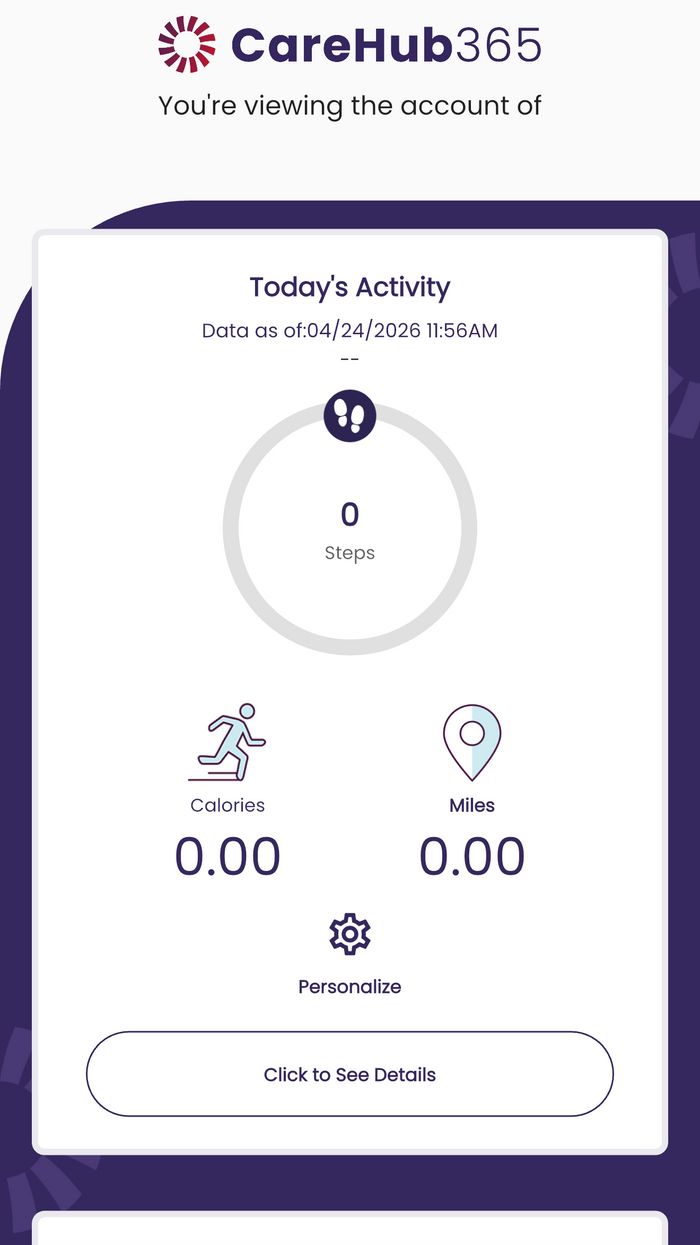
Review available activity information to better understand daily routines.
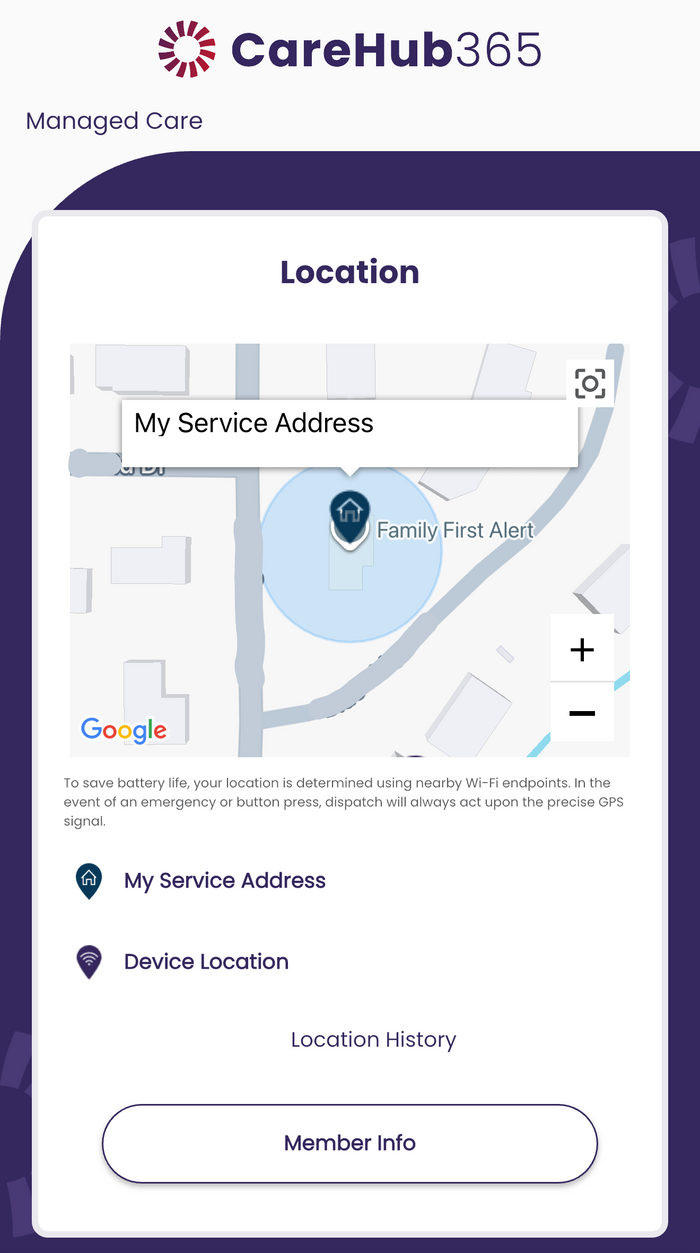
Where supported, review location history to help loved ones stay informed.
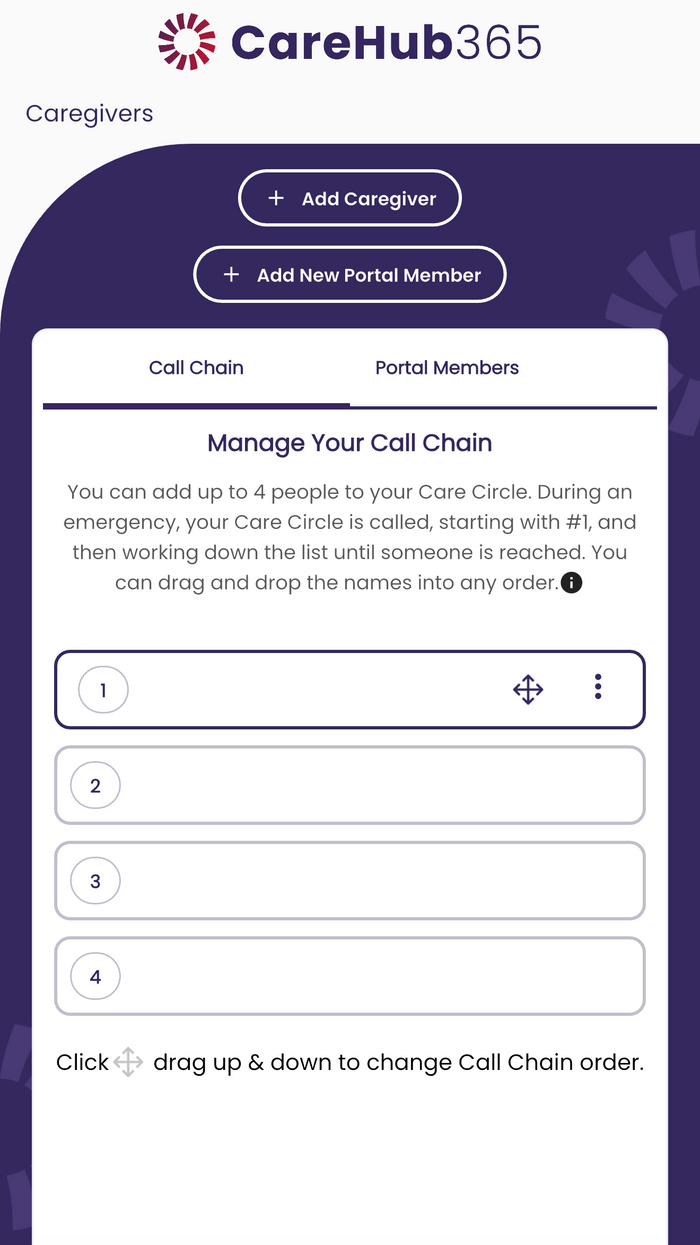
Keep caregivers and family members connected with information shared through the app.
Follow the app’s setup instructions and check which features are supported by your specific device and service.
Download or open the app and follow the account setup instructions.
Pair or link the medical alert device according to its setup guidance.
Use the app to view supported information and manage available sharing options.

CareHub365 can give families added visibility into available device information while supporting older adults as they live life on their own terms. It is one more way to feel connected—without replacing emergency services or direct care.

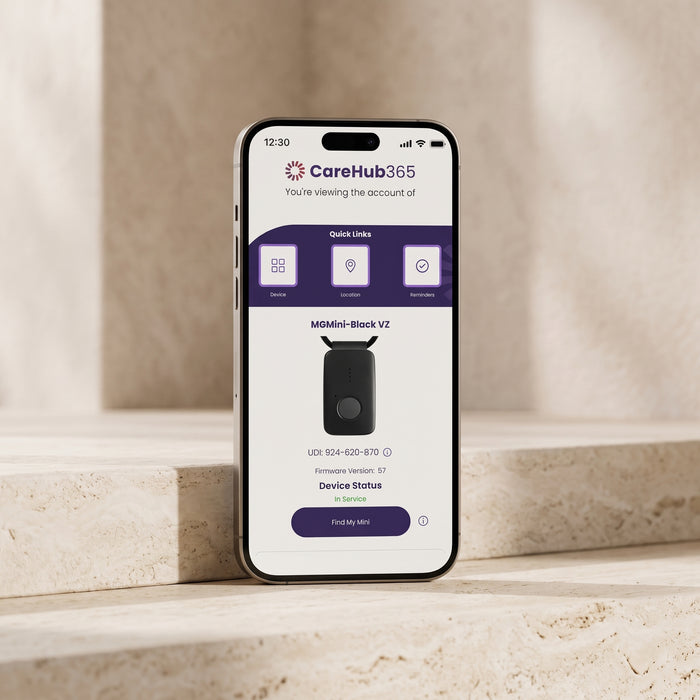


Follow the CareHub365 app’s current download, account, and setup instructions. Requirements may depend on your device and service.
Compatibility depends on the specific Medical Guardian device and service. Confirm supported features with Medical Guardian before purchase or setup.
Location availability can depend on the device, signal, location services, permissions, and environment. The app may not show a current location at all times.
Battery level or charging details may be available for supported device models through the app.
Notification options and timing depend on app settings, permissions, device model, and service. Check current app settings for what is available.
Family access and sharing permissions are governed by CareHub365 account features and device service. Review the current app instructions to manage authorized users.
Explore Family First Alert medical alert solutions and learn how connected tools may support greater confidence for you and your loved ones.